Should You Use AI to Write Your Website Content? The Pros, Risks, and the Right Way to Use It
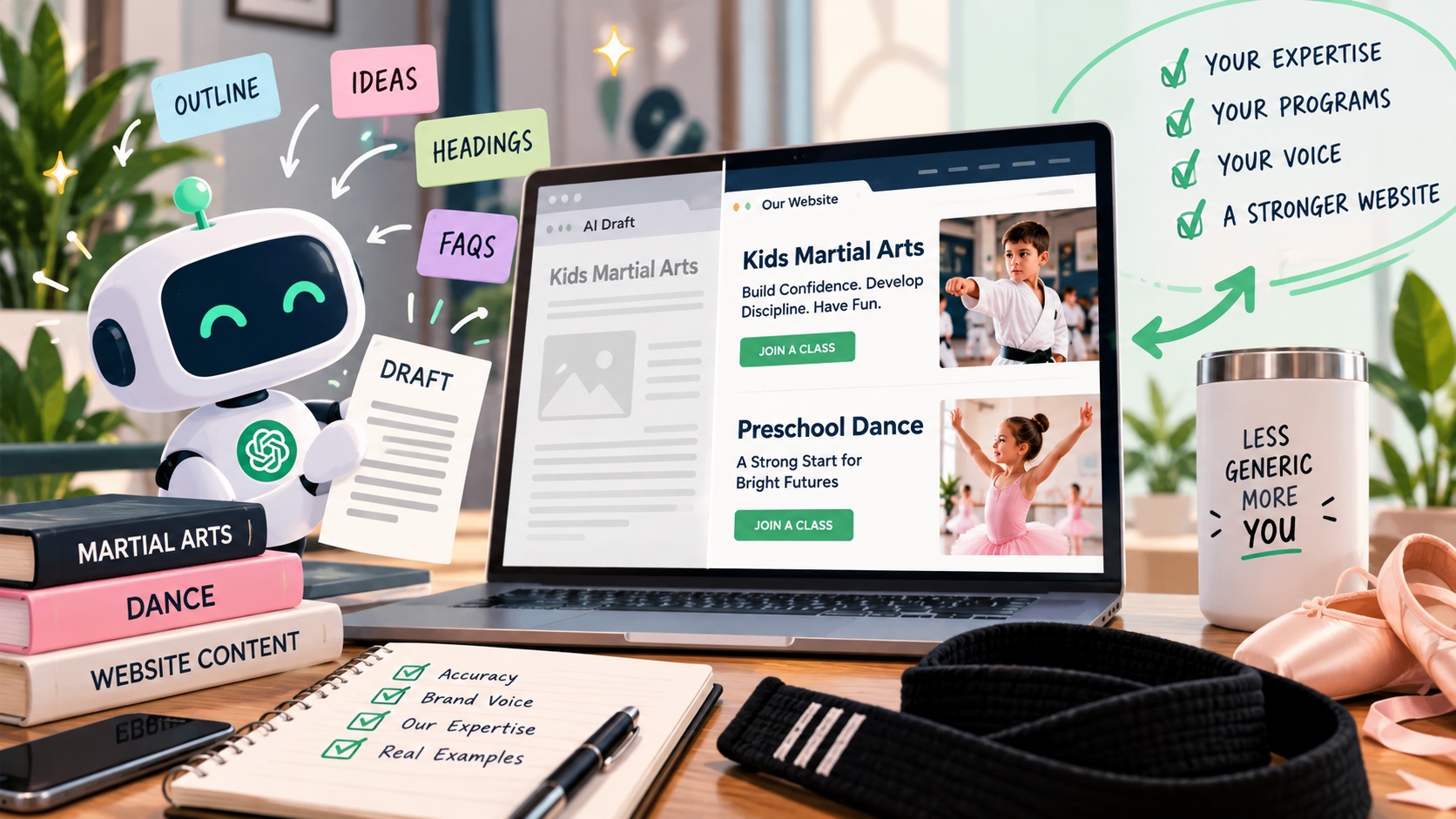
TL;DR: Yes, you can use AI to help write your website content — just not as an autopilot. AI is genuinely good at outlining, first drafts, restructuring, and repurposing. It is reliably bad at knowing your studio: your programs, your tuition, your instructors, your voice, and the details parents actually use to decide. The studios getting results treat AI as a drafting assistant and stay the author. Anything published under your studio’s name should carry your facts, your voice, and your judgment.
Why Does This Question Feel So Loaded?
Ask ten studio owners about AI and website copy and you will get ten different answers, usually delivered with some emotion. Some have watched a competitor’s site turn into a wall of identical paragraphs. Others quietly use AI every week to write follow-up emails and have no intention of stopping.
So let’s retire the wrong question — “is AI content bad?” — and replace it with the one that matters: is the content on your website specific, accurate, and helpful to a parent trying to choose a studio?
Method is not the issue. Google has said so directly. What matters is whether a human who knows your studio read it, corrected it, and stood behind it.
Key points for studio owners to consider:
- AI is a drafting tool, not a content strategy. It shortens the distance between a blank page and a first draft. It does not decide what your studio should say.
- The real risk is generic copy, not “getting caught.” Parents compare four studios in one evening. Averaged copy makes you interchangeable.
- AI will state wrong facts confidently. Invented awards, wrong belt ranks, made-up trial offers — it does not flag them as guesses.
- Your voice is what AI cannot reproduce. Warm, funny, firm, old-school — however you actually sound, that is a real differentiator.
- Expertise has to come from you. AI has never taught a four-year-old creative movement class or talked a nervous parent through their first trial.
- Never publish unreviewed output. You are the editor. That final read is the difference between AI-assisted and AI-autopiloted.
- Human-led beats human-free. You decide, AI drafts, you edit, you publish. In that order.
What Is AI Actually Good at When It Comes to Website Content?
Direct answer: AI is excellent at structure and speed, which is most of what makes writing feel hard. It is weak on substance, which has to come from you.
1. Turning Your Rough Notes Into a Structured First Draft
Type or dictate what you want to say — messy is fine — and ask AI to organize it into an outline with headings. An hour of staring at a blank screen becomes a five-minute pass.
2. Restructuring Pages That Have Grown Confusing
Ask it what a parent would be confused by on a given page. AI spots buried CTAs, missing next steps, and paragraphs that should be a list.
3. Repurposing Content You Already Wrote
Your recital email becomes a website update. Your FAQ handout becomes a program page. AI saves real time here without inventing anything.
4. Editing and Tightening
Paste a page you wrote yourself and ask it to cut 30% without losing meaning. The words stay yours; the concision is AI’s.
Where AI-Written Website Content Goes Wrong
Risk 1: Copy That Could Belong to Any Studio
AI produces the average of everything it has ever read about martial arts and dance. Average is, by definition, generic. You get lines like “we foster a supportive community where every student can thrive” — true of your studio, and also of the dojo across town and the ballet school two cities over.
The test: could you swap your studio’s name for a competitor’s and have the paragraph still work? If yes, it is not your copy yet.
Risk 2: Factual Errors and Invented Details
This is the risk that actually costs money. AI does not know that your Tiny Tigers program starts at four, that your competition team auditions in August, or that you no longer sell six-month memberships. Left to guess, it guesses — in the same confident tone it uses for correct information. Studio owners have published wrong class times and wrong instructor credentials because nobody fact-checked a draft, and AI will cheerfully cite studies that do not exist.
Rule: every number, name, date, credential, and claim on a published page gets verified against a real source — preferably your own records. When a parent books a trial based on the wrong time, your website has just created a bad first impression.
Risk 3: A Voice That Isn’t Yours
Brand voice is not a logo and a color palette. It is how your studio sounds when it talks: the words you use, the humor you allow, how formal you are with parents.
Default AI voice is polished, neutral, and slightly corporate. It reads fine and sounds like no one. For a studio, that is a real loss — parents are choosing an instructor and a community, not a spec sheet, and tone is how they sense it.
Fix it by feeding AI examples of writing that already sounds like you, then asking it to match. Even then, keep your eye on the final pass: the sentences that sound most like your studio are usually the ones you add yourself.
Risk 4: Originality — And Why It Matters for AI Search
Duplicated wording is not the boogeyman people make it out to be. The real problem is that unoriginal content earns nothing — it does not get linked to, shared, or cited by AI answer engines. When someone asks ChatGPT or Google’s AI Overviews what to look for in a kids’ martial arts studio, the answers cite pages with specifics: class sizes, age breakouts, instructor experience, safety practices, local details. Thin, averaged copy gives an answer engine nothing to quote. That is the whole game in answer engine optimization.
Risk 5: Missing Expertise
Google’s quality guidelines describe experience, expertise, authoritativeness, and trust — with trust as the most important. AI has none of the first two. It has never taught the four-year-old who will not leave their parent’s side, never handled a parent upset about a recital costume bill, never figured out why the Tuesday teen class stopped bonding.
That lived knowledge is what makes a page useful to a parent and impossible to fake. If your content contains none of it, you have published information anyone could get from anywhere.
AI can explain how martial arts develops focus in children. It cannot tell a parent what happens in your Tuesday 4:30pm class when a new student is nervous.
Does Google Actually Penalize AI Content?
Direct answer: no, not for being AI. Google’s guidance is unambiguous — “Our focus is on the quality of content, rather than how content is produced.”
What Google’s spam policies target is scaled, low-value content produced primarily to rank, regardless of whether a person or a machine typed it. A human can write spam. A well-edited AI-assisted page can be genuinely helpful. The production method is not the signal; usefulness is.
A related practical note: AI detectors are unreliable. OpenAI retired its own AI text classifier in July 2023, citing a low rate of accuracy. Judging content by detector scores is a losing game, and stripping pages to satisfy a detector usually makes them worse. Optimize for the parent reading the page.
The Right Way to Use AI for Your Website Content: A Six-Step Workflow
- You supply the raw material first. Bullet points, a voice memo, a transcript of you explaining your program. No AI draft is better than the knowledge you put in.
- Set constraints before you ask for prose. Who is reading, what they need to decide, tone, length, and — most importantly — what it must never say. (No promises about belt timelines or company auditions.)
- Get an outline, not a finished page. Approve the structure first. Rewriting structure is cheap; rewriting 900 words is not.
- Draft section by section. Paste your specifics into each request so AI is rearranging your facts, not inventing its own.
- Edit hard, and verify every fact. Read it out loud. Kill any sentence a competitor could have written. Check names, ages, dates, prices, credentials.
- Add the one thing only you know. A detail about your floor, your instructors, your community. That sentence is usually the most valuable one on the page.
Keep the prompts that work. A saved prompt library turns a one-time experiment into a repeatable habit — see our post on why clear prompting is the skill that makes AI actually lighten your load.
Where Should AI Not Touch Your Website?
Some content should be written by a person — or at minimum approved line by line:
- Tuition and pricing, which change, vary by program, and carry real consequences if wrong.
- Credentials, certifications, and safety policies — insurance, CPR, background checks, mat protocols.
- Program rules: belt requirements, dress codes, recital and competition policies.
- Anything about a specific student or family. No names, photos, or stories without written permission.
- Testimonials and reviews. Never let AI generate, embellish, or “clean up” what a real parent said — authenticity is the entire value.
- Legal and liability language. Talk to your counsel, not a chatbot.
How Do You Tell If AI Content Is Dragging Your Site Down?
Run this quick audit on your five most important pages:
- Read a paragraph out loud. Does it sound like you, or like a brochure?
- Try the swap test. Replace your studio name with a competitor’s. Still works? Too generic.
- Check every fact. Times, ages, prices, instructor names, program lengths.
- Count the specifics. Real numbers, program names, local references. Zero specifics is a warning sign.
- Ask whether anything is un-copyable. If a competitor could lift the whole page tomorrow and be unaffected, there is nothing distinctive in it.
Failing pages are not a disaster — they are an editing project. Adding specifics and cutting filler usually does more for a page than a redesign.
FAQs About Using AI to Write Your Studio’s Website Content
Can AI write my entire website for me?
It can produce a site’s worth of words in an afternoon, and that is the problem. Without your facts, your voice, and your review, you get a site that reads like everyone else’s and contains errors no parent should have to catch. Use AI on every page if you like — as a drafting and editing partner, not as the author.
Will Google penalize AI-written content?
Not for being AI-written. Google’s stated focus is the quality of the content, not how it was produced. Pages get buried for being thin, inaccurate, or unhelpful — which is what unreviewed AI output usually is.
Can Google or parents tell if content was written by AI?
Detection tools are unreliable — OpenAI retired its own classifier in 2023 over low accuracy, and false positives are common. Parents are better detectors in practice: they notice copy that says nothing specific about your studio. The standard is not “undetectable,” it is worth reading.
How do I keep AI from sounding generic?
Three moves: name your exact audience (parents of four-year-olds who have never done dance), paste in samples of your own writing and ask AI to match the voice, and add specifics — program names, class details, instructor insights. Then read it out loud and delete anything you would not say to a parent at the front desk.
What is the fastest safe way to use AI this week?
Take something you have already written — a recital email, an FAQ handout — and ask AI to restructure it into a website page, keeping your wording and adding nothing new. You get a page with your facts and your voice in about twenty minutes.
Should I disclose that AI helped write my content?
You are responsible for every word you publish, so publish only what you would defend in person. If a parent asks, be straightforward: you write and approve your content, and you use tools to speed up drafting. Nobody objects to a tool. They object to filler.
AI as a Tool, Not an Autopilot
The studios that win with AI are not the ones publishing the most. They are the ones using it for what it is genuinely good at — outlining, structuring, tightening, repurposing — and keeping the parts that require a human: facts, voice, and expertise.
That is the difference between an assistant and an autopilot. One makes you faster. The other drives your studio’s first impression without you.
Start small this week. Take one page, add what only you can add, cut what anyone could have written, and verify everything that matters. A lead-generating website is not the one with the most words — it is the one where a parent instantly recognizes a real studio, run by real people, behind it. Good SEO follows the same principle: be specific, be accurate, be worth citing.
Ready to Take the Next Step for Your Studio?
Book a free demo to see how Market Muscles can help you get more leads, streamline your day-to-day, and grow without the overwhelm. No pressure. Just real solutions built for studio owners like you.